Watch the session
Summary
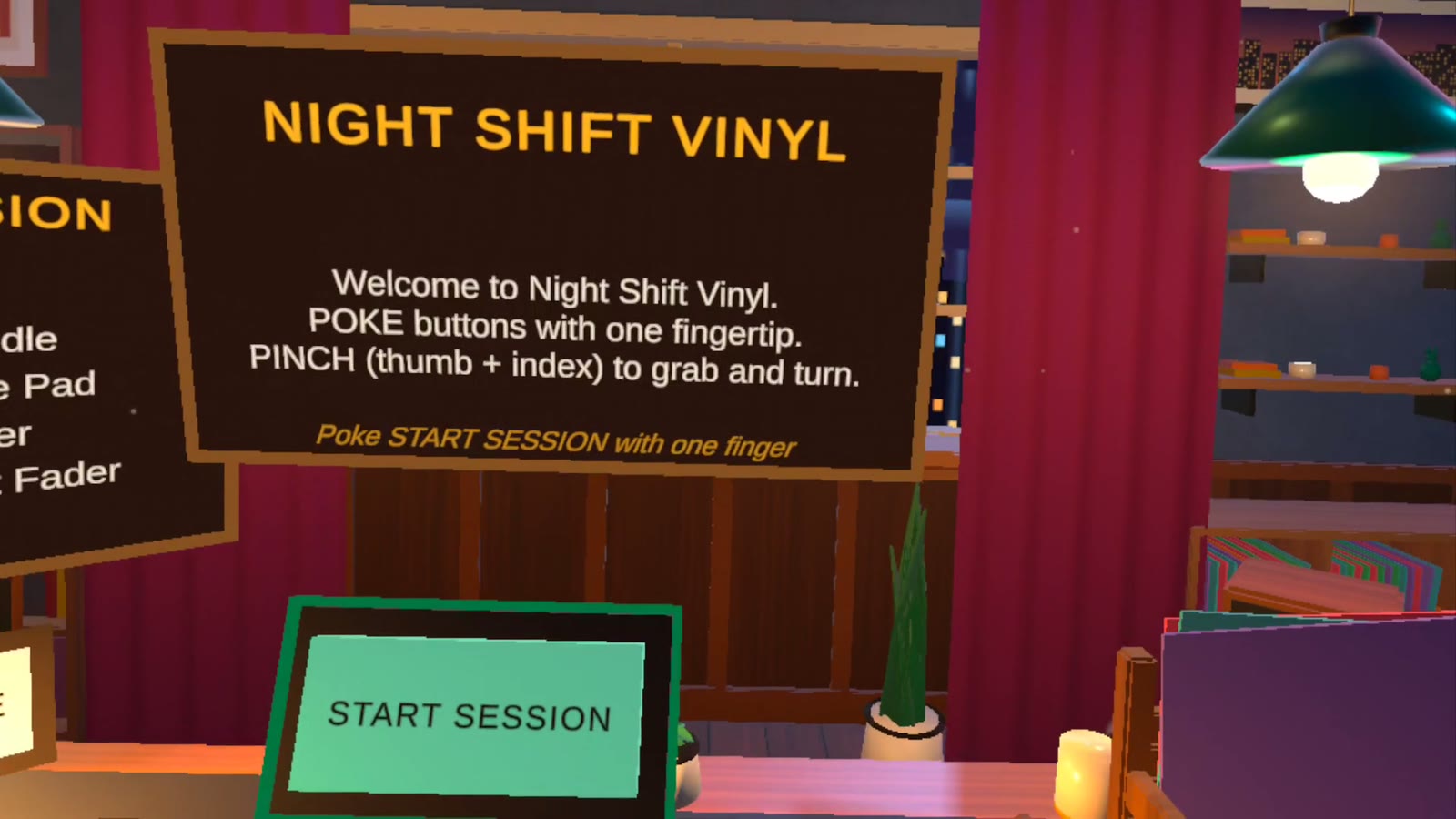
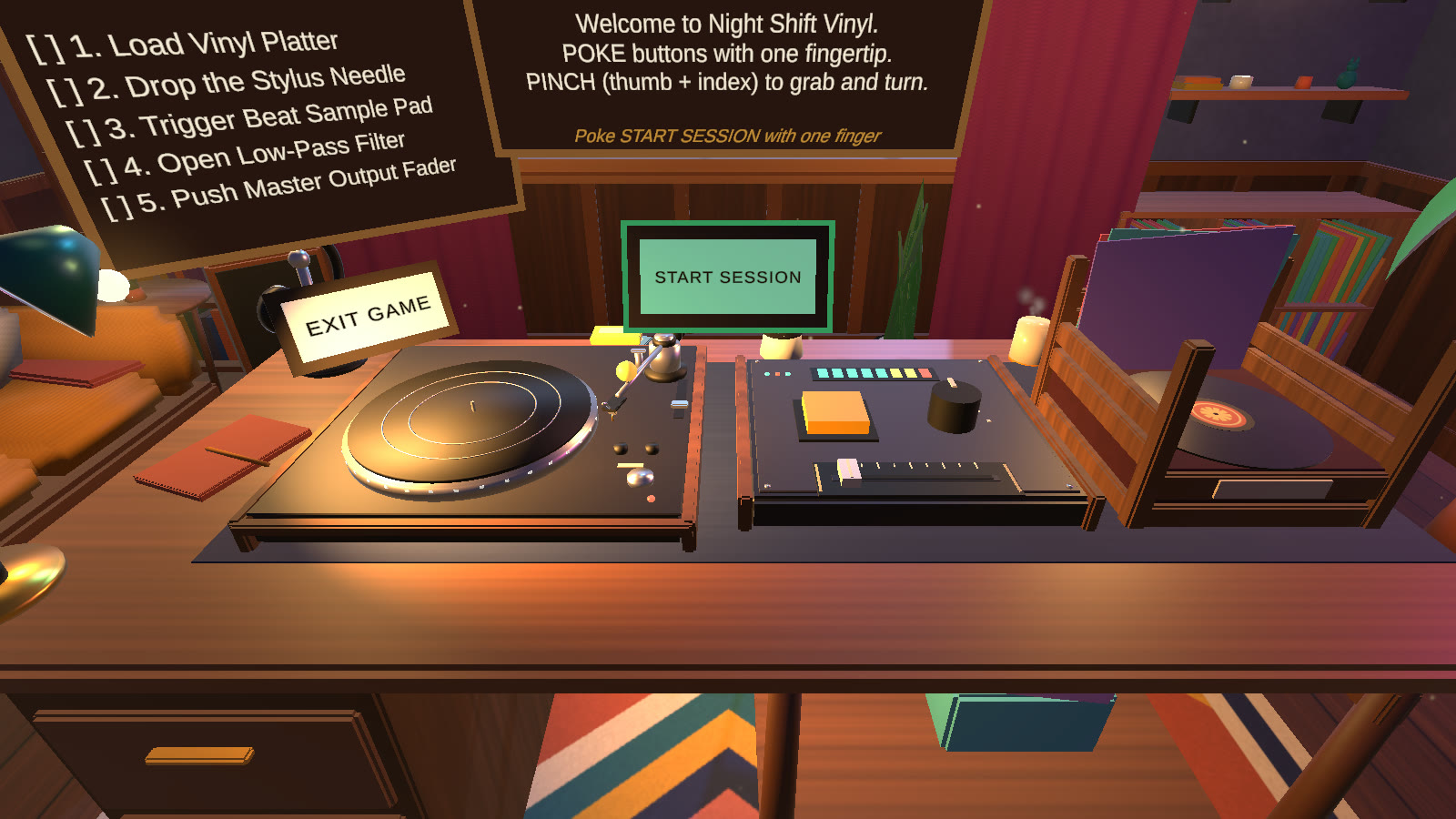
Night Shift Vinyl is a VR task simulation for Meta Quest that you control with your bare hands, no controllers. You stand behind a warm, mood-lit vinyl DJ desk and build a lo-fi track one gesture at a time. A floating panel introduces the task and tracks your progress, and a slate at the end shows your session time.
Load the record
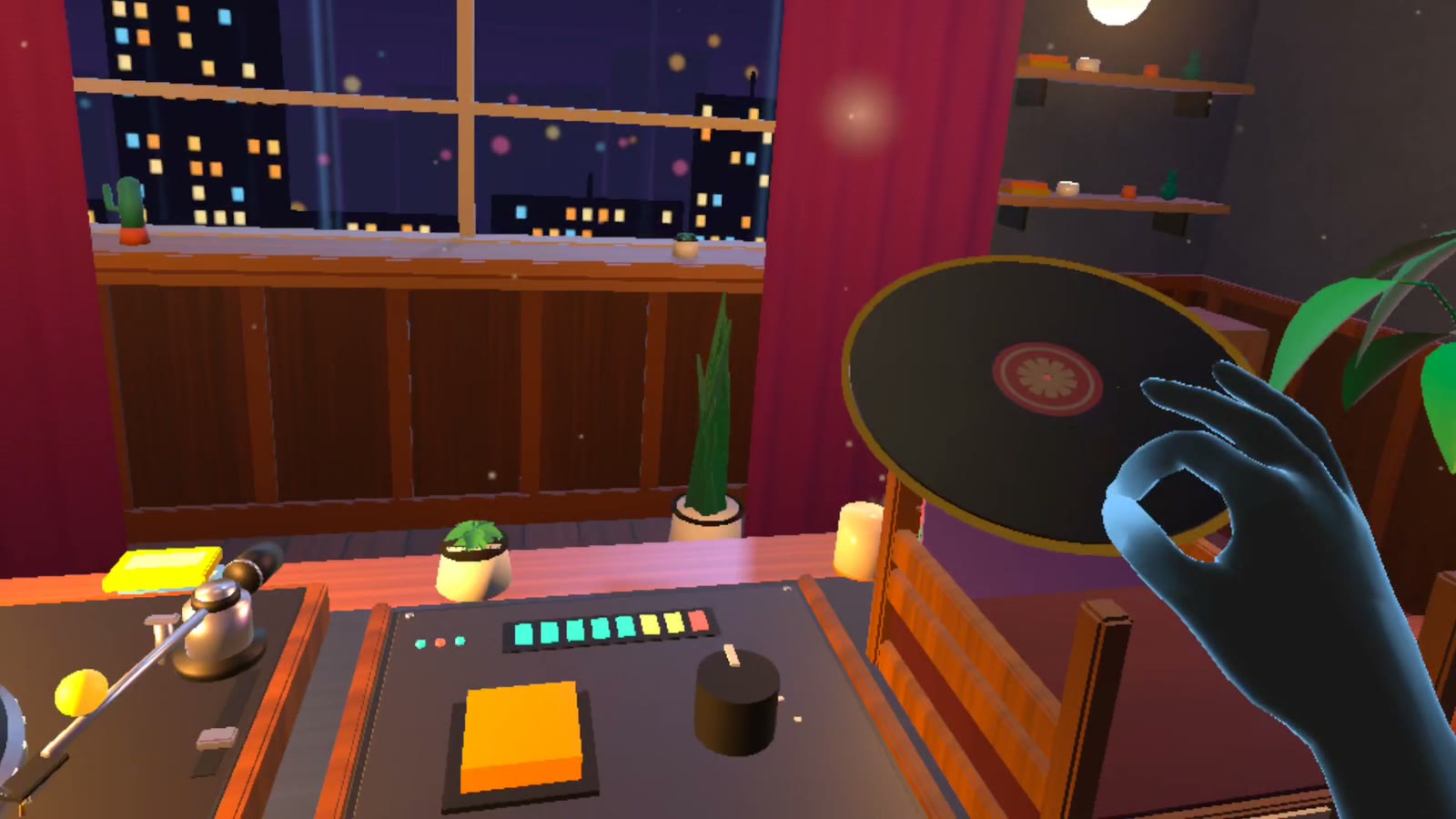
Pinch · PlacePinch the record out of its crate and set it on the platter. It spins up with a quiet motor hum.
Drop the needle
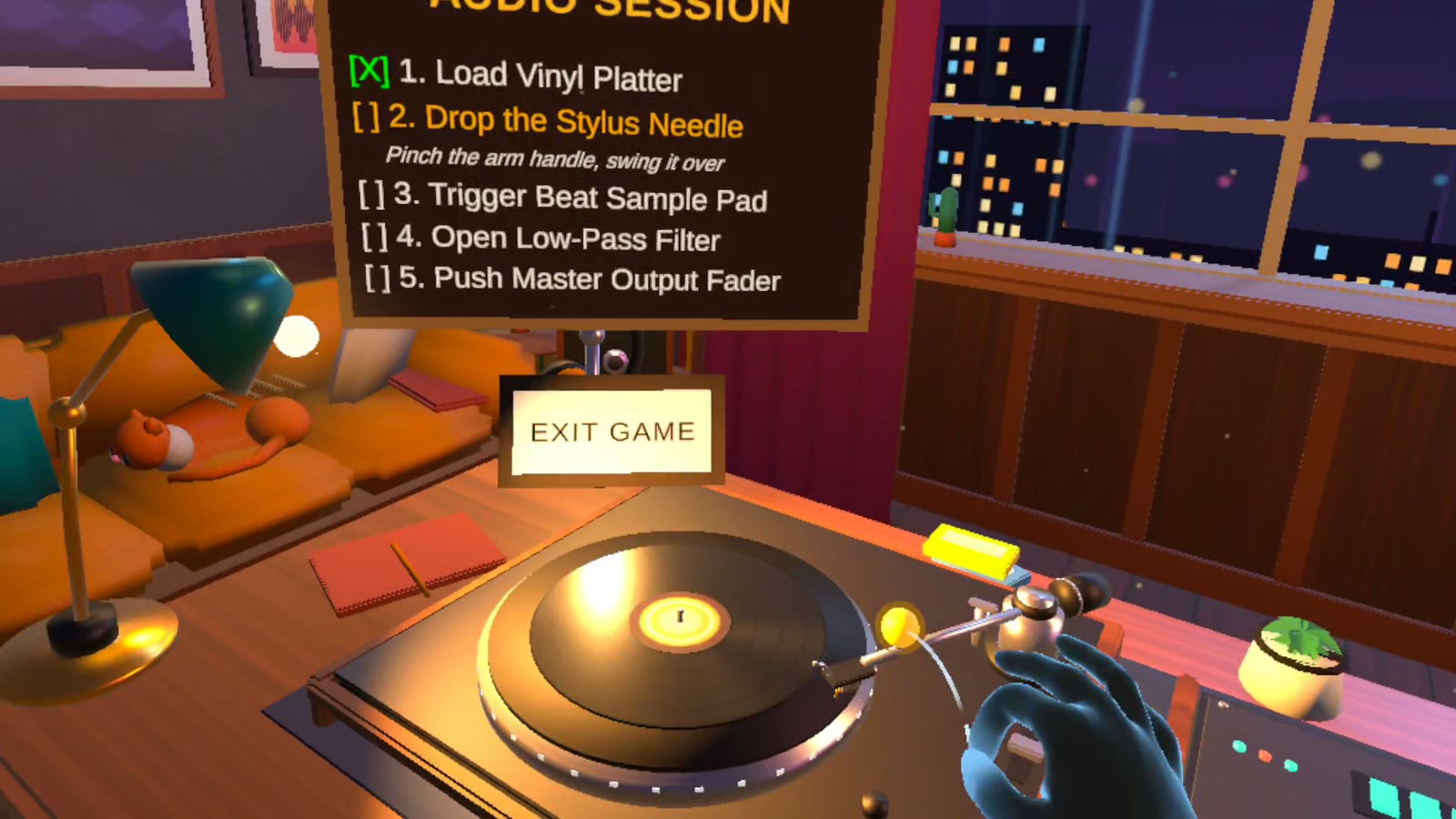
Pinch · SwingSwing the tonearm over the record. The needle drops, crackle fades in, then a drum beat follows.
Trigger the beat pad
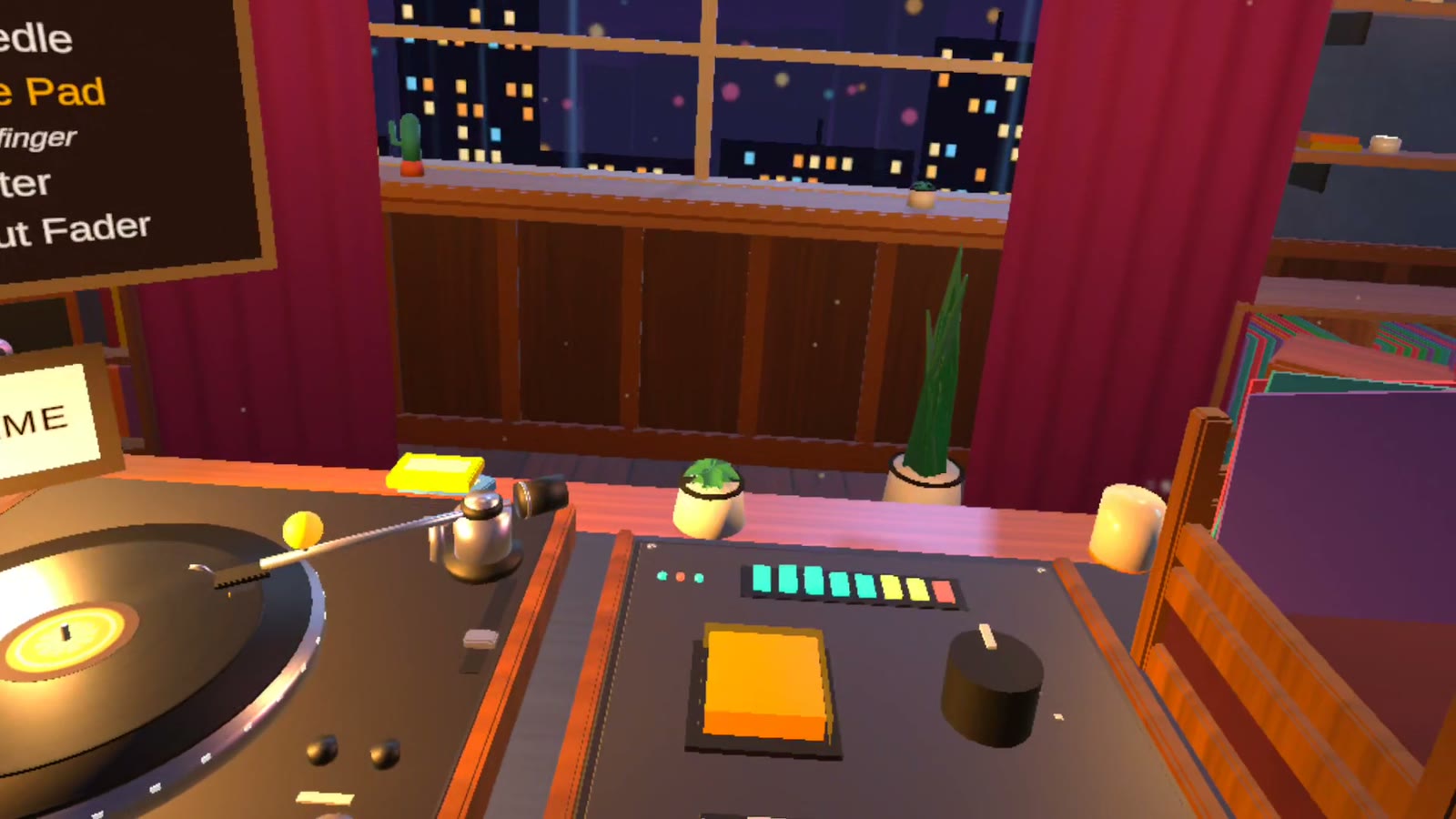
Poke · TapTap the orange pad with a fingertip. A piano loop enters on the next bar, locked to the drums.
Open the filter
Pinch · TwistTurn the dial and the muffled mix opens up to full fidelity.
Push the master fader
Pinch · SlideSlide the flat fader along the front of the board from quiet to full volume.
Poke means press with one fingertip; pinch means thumb and index finger together. The next control to use gets a pulsing outline. When the last step lands, the lamp dims, neon pulses to the beat, and a SESSION MASTERED slate offers a RESTART SESSION button. An EXIT GAME button is always available.
Interesting interactions
A real hinge
The script measures the angle of your pinch around the pivot every frame, so the arm follows your hand like it is on a bearing. Let go early and it glides back to rest. There is no button: the position of your hand is the control.
Twist it or circle it
Roll your wrist or move your hand around the dial, in either direction. It adds up the change in angle, so a dropped tracking frame never makes it jump.
Poke, not pinch
The pad cap travels with your fingertip and only fires near the bottom of its travel, so brushing it does nothing. It flashes amber and springs back when you lift your finger.
It cannot get lost
It cannot sink through the furniture, it settles flat when you let go, and if you drop it away from the desk it glides back to the crate.
Hands cannot rumble, so the feedback is in sound and light: a chime on every step, the pad flash, the platter hum and the pulsing outline. I tuned all of this on a Quest 3, where real hands exposed problems the Editor never showed.
Screenshots
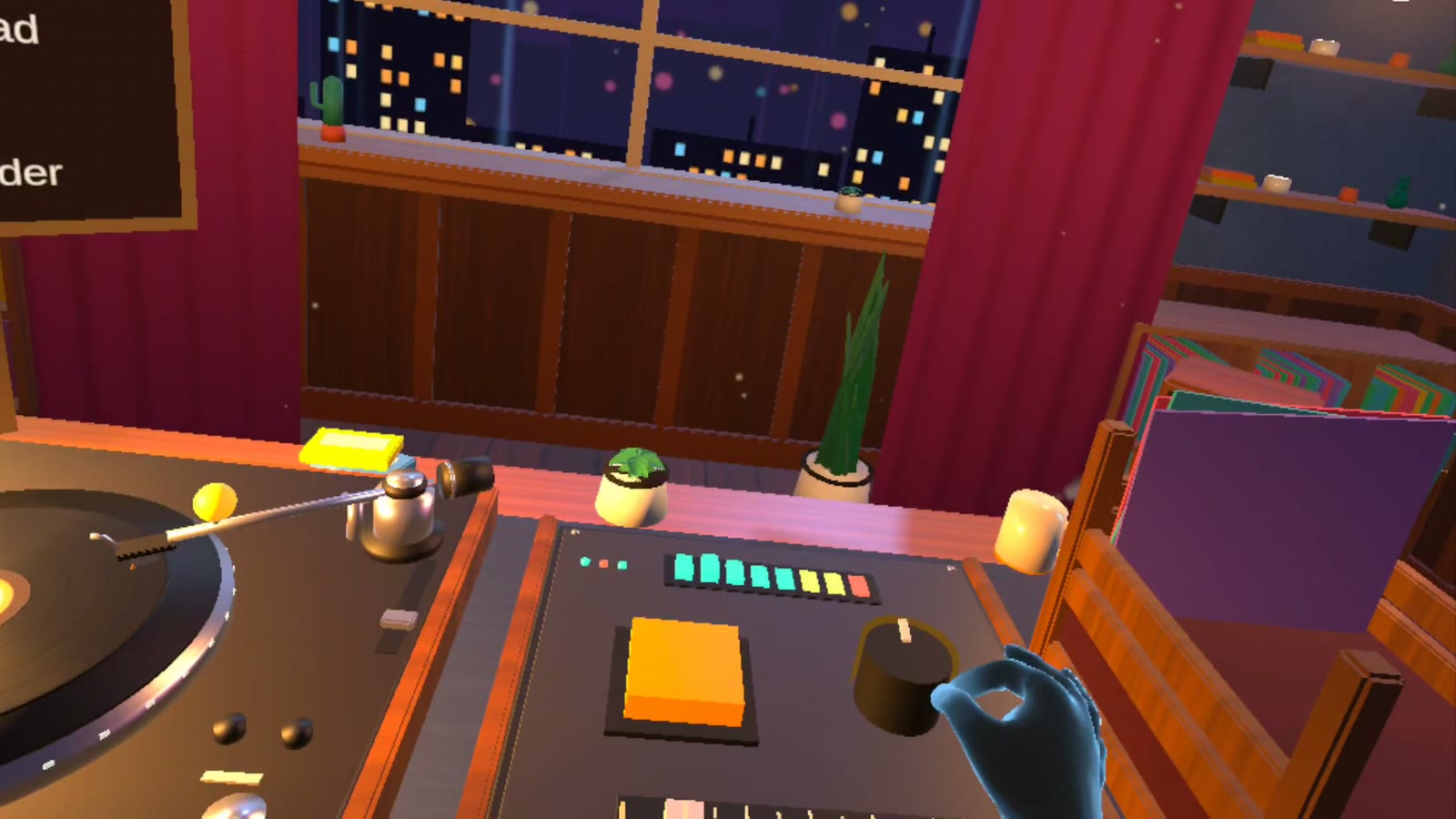
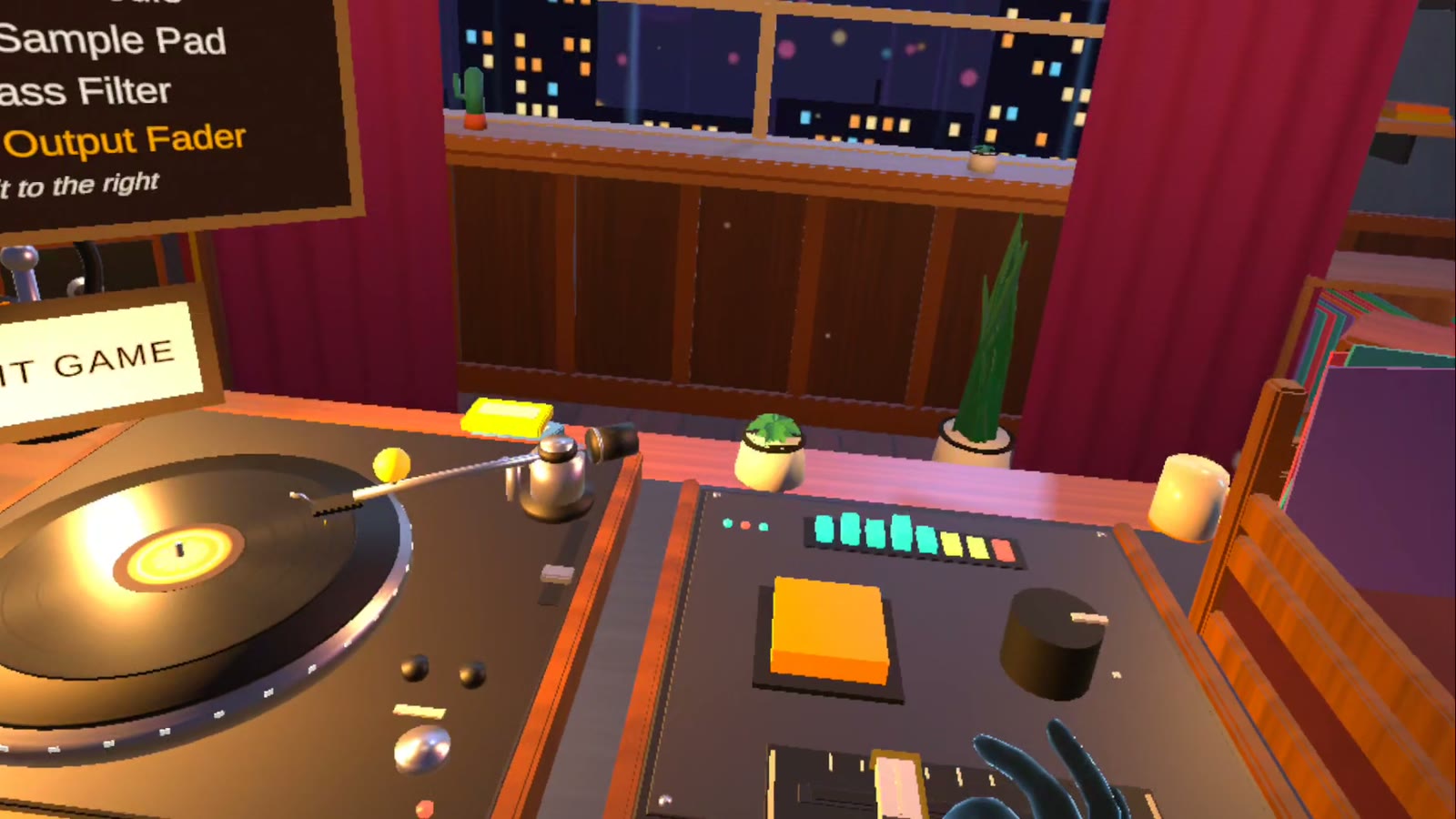
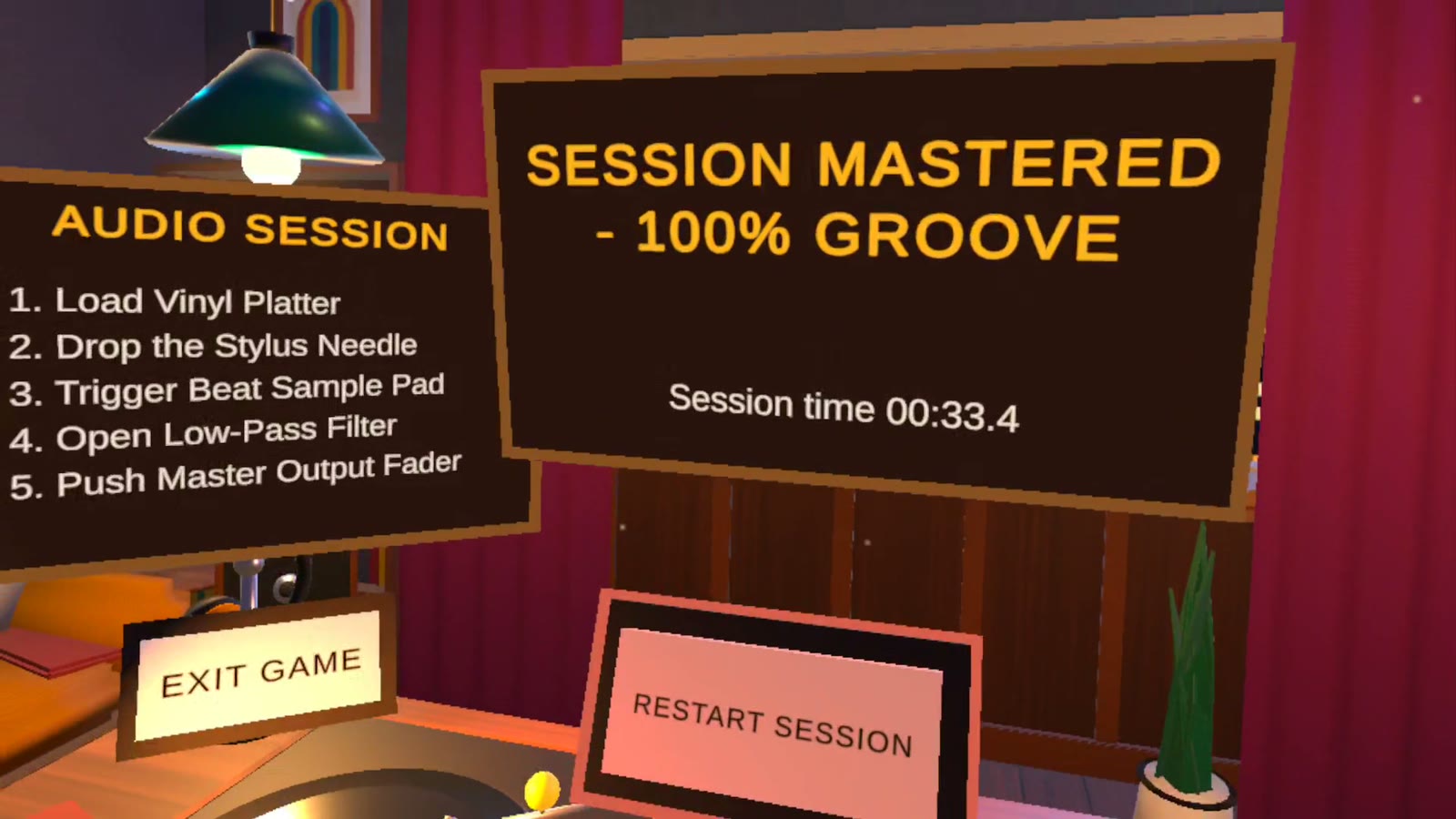
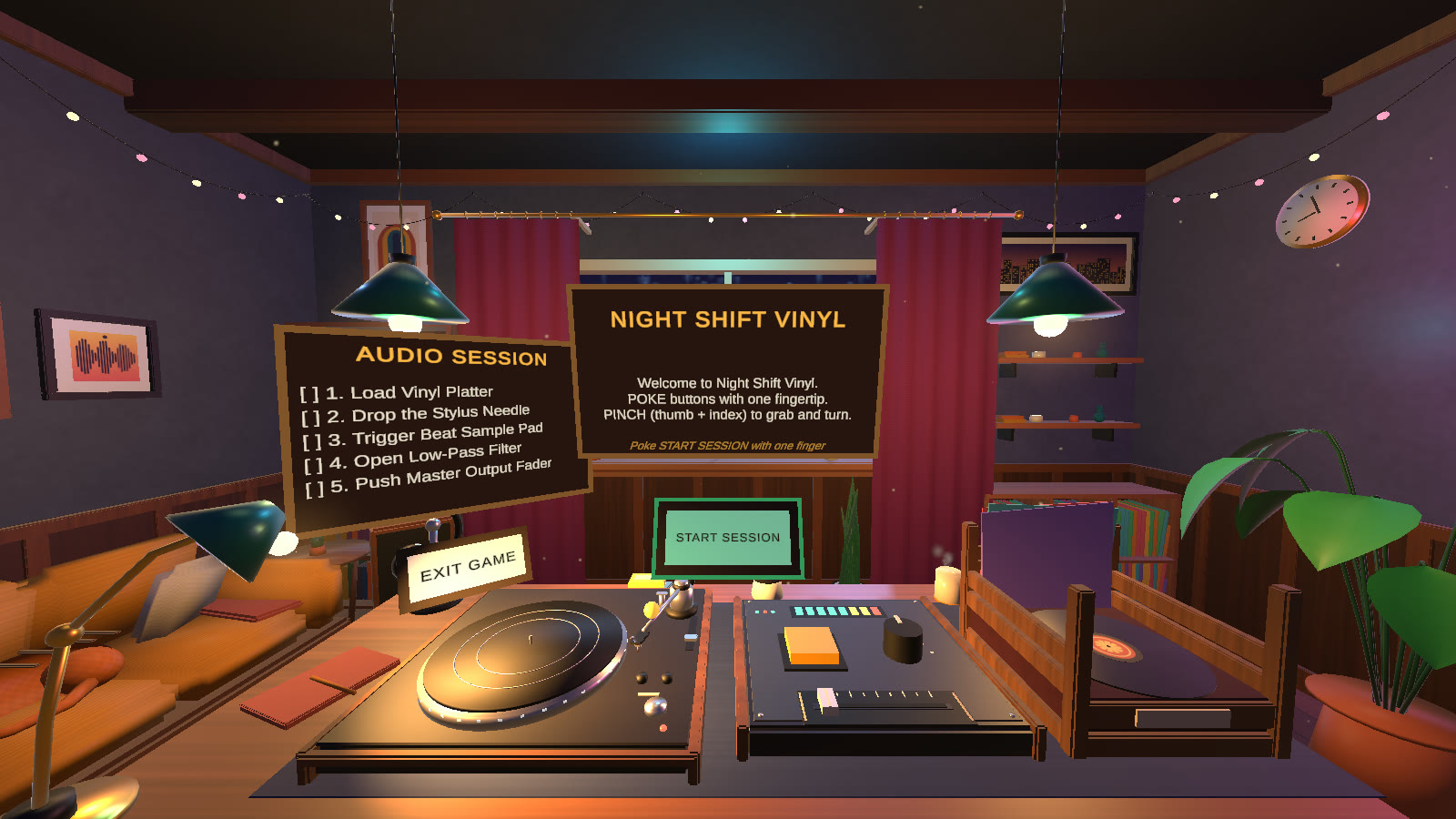
Code
| Full Unity project | github.com/moff05/night-shift-vinyl |
|---|---|
| Key scripts | github.com/moff05/cim423-3d-world / assets / code / night-shift-vinyl |
| Built with | Claude Code (Anthropic) wrote the C# scripts, Blender models, textures and audio from my direction. A state machine accepts the five steps only in order, and the room is rebuilt from code by ChillhopBuilder. The setup guide is in the repo. |
| Engine | Unity 6, XR Interaction Toolkit 3.6, OpenXR, XR Hands |
APK
| Download | nightshiftvinyl.apk (52 MB) |
|---|---|
| Device | Meta Quest 3 (also Quest 2 and Pro), hand tracking turned on |
| Install | Turn on Developer Mode, plug the headset into a computer and run adb install -r nightshiftvinyl.apk. Then open it from Library, using the filter at the top right to show Unknown Sources. Put the controllers down and use your hands. |
Credits
No downloaded assets. The 3D models, textures, posters and audio were all made for this project by Claude, using Python scripts in Blender and generated sounds. Third-party tools: Unity with the XR Interaction Toolkit and XR Hands (including the toolkit's hands sample rig), Blender, and the web fonts DM Sans, DM Mono and Fraunces from Google Fonts.
Try it here. The same five steps, the same audio as the Quest build. Drag with a mouse or finger where the headset uses a pinch, and tap the pad where it uses a poke. Headphones help.
This is a demo of the design. The graded build is the Quest app below.